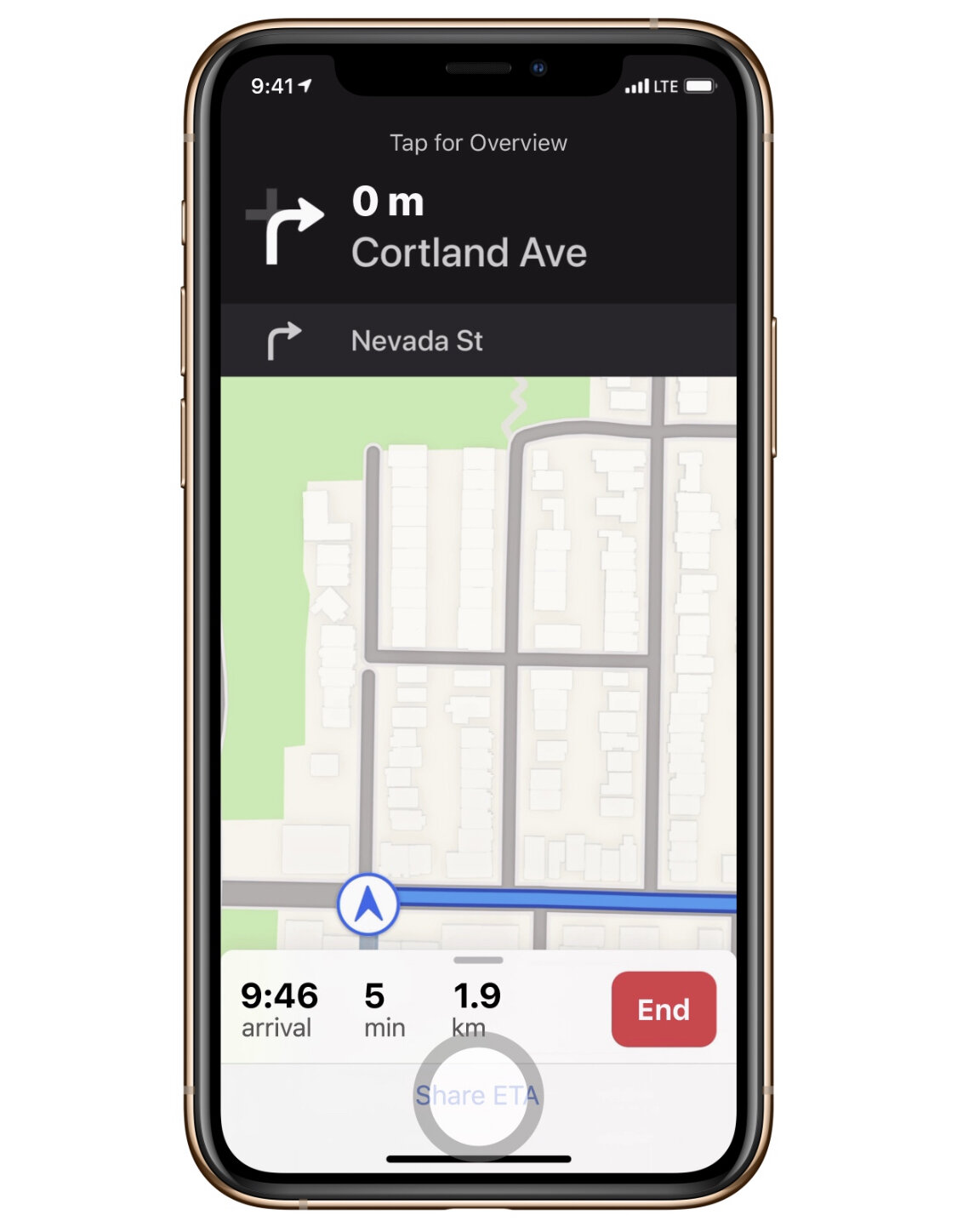
iOS TIP: Sorry running late! How to share your ETA
Here’s a quick iOS TIP for you in case you’re running a little late and you have friends who want to know how far away you are.
Open APPLE MAPS > Input your destination > Directions > GO > Tap on the bottom anchor which shows the ARRIVAL/MIN/KM > Tap on Share ETA > Select the contact you want to share it to.