iOS Quick Tip: Going Dark
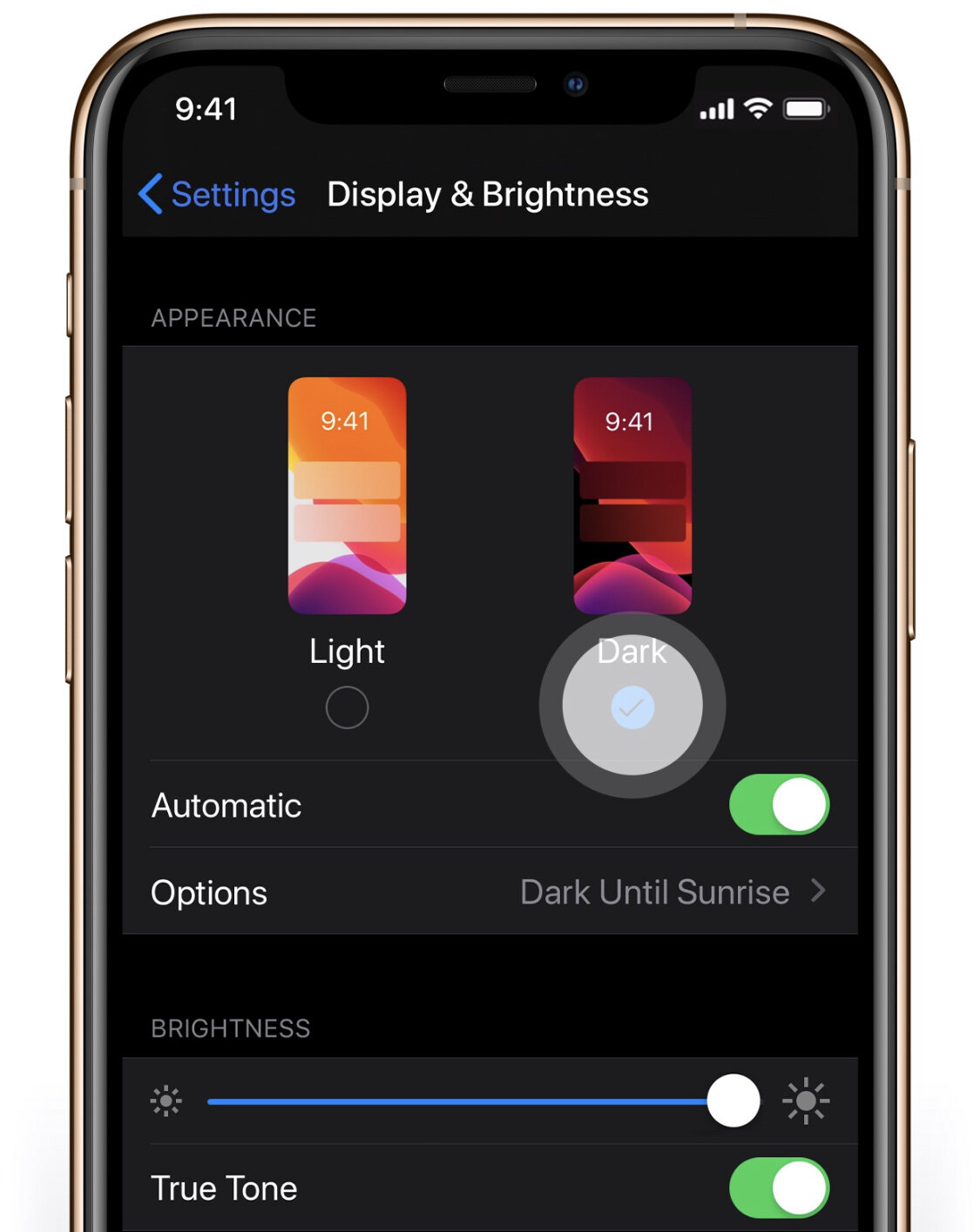
iOS 13 is here and so is Dark Mode! You can switch from Light to Dark Mode straight away, automatically or schedule it. To set this go to Settings > Display and Brightness.
iOS 13 is here and so is Dark Mode! You can switch from Light to Dark Mode straight away, automatically or schedule it. To set this go to Settings > Display and Brightness.