iOS Quick Tip: Undo/Redo
Here’s a quick tip from Apple if you’ve made a mistake in Notes or in iMessages, etc. With three fingers, swipe left to UNDO. Swipe right if your want to REDO.
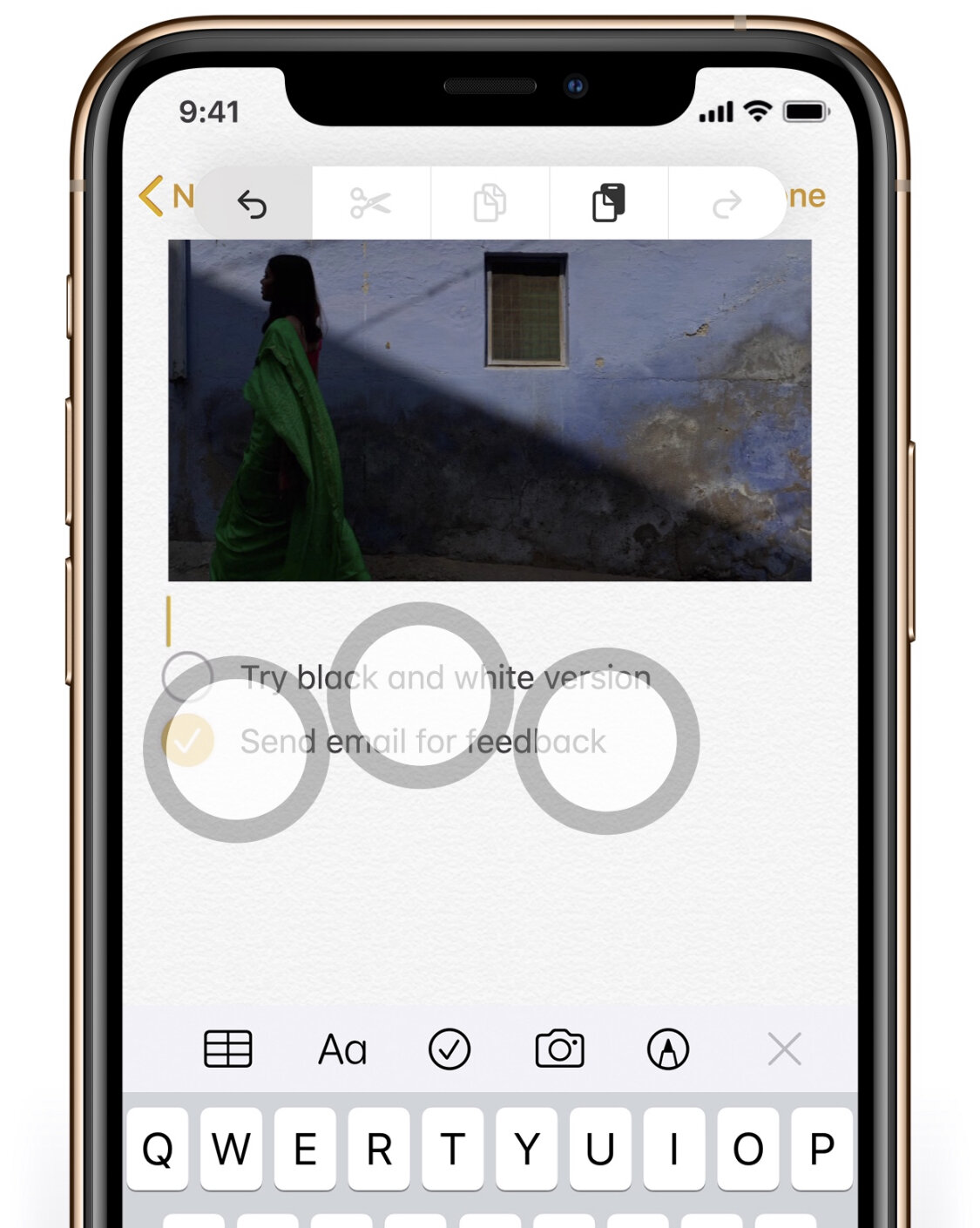
Here’s a quick tip from Apple if you’ve made a mistake in Notes or in iMessages, etc. With three fingers, swipe left to UNDO. Swipe right if your want to REDO.